

Folio
We built a computer for creative production that lives in the cloud. Agents have changed the way we work, but they are straining the tools we are used to working with. We need better tools for running long agentic tasks, easy ways to share our AI-coded apps with our teams, and a much better solution to versioning work.
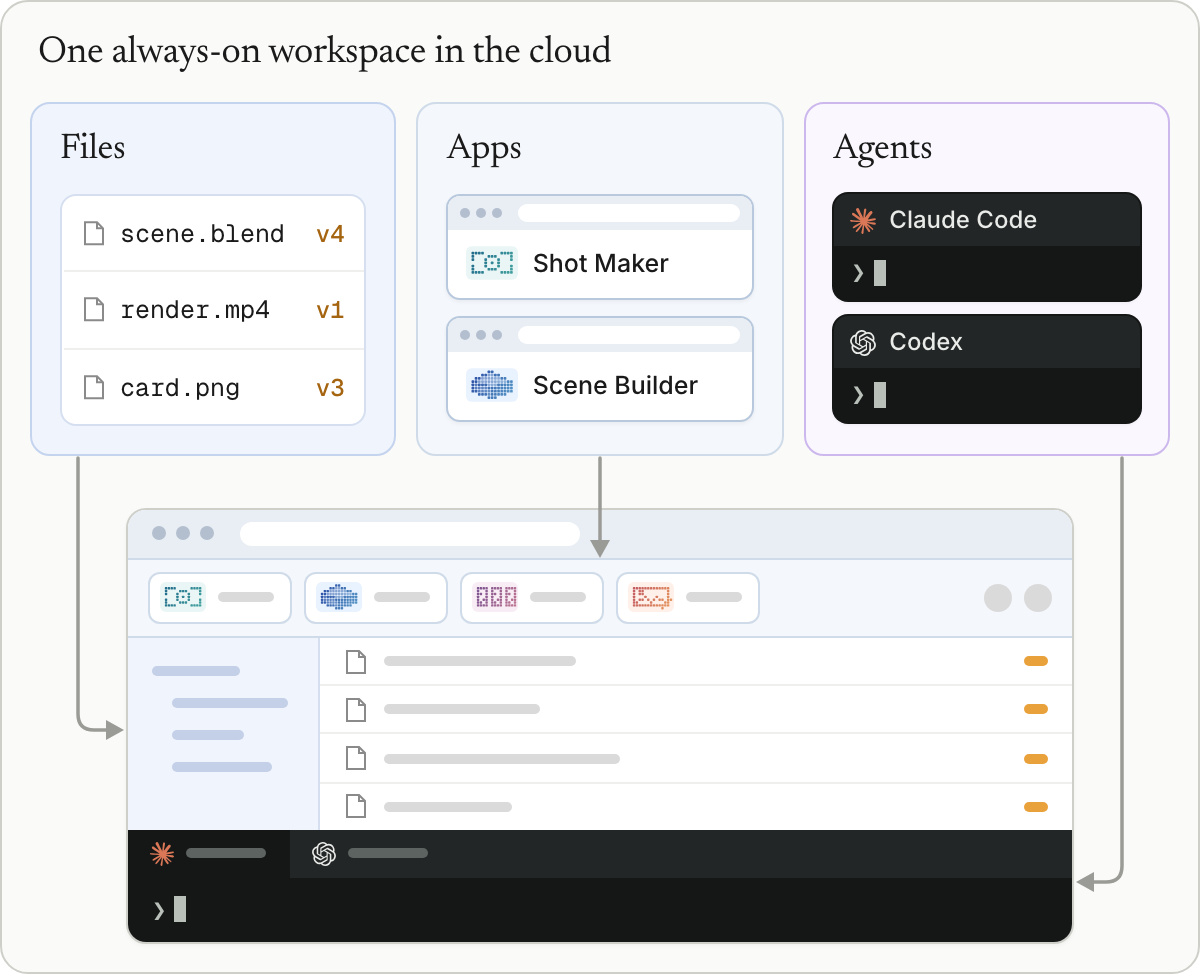
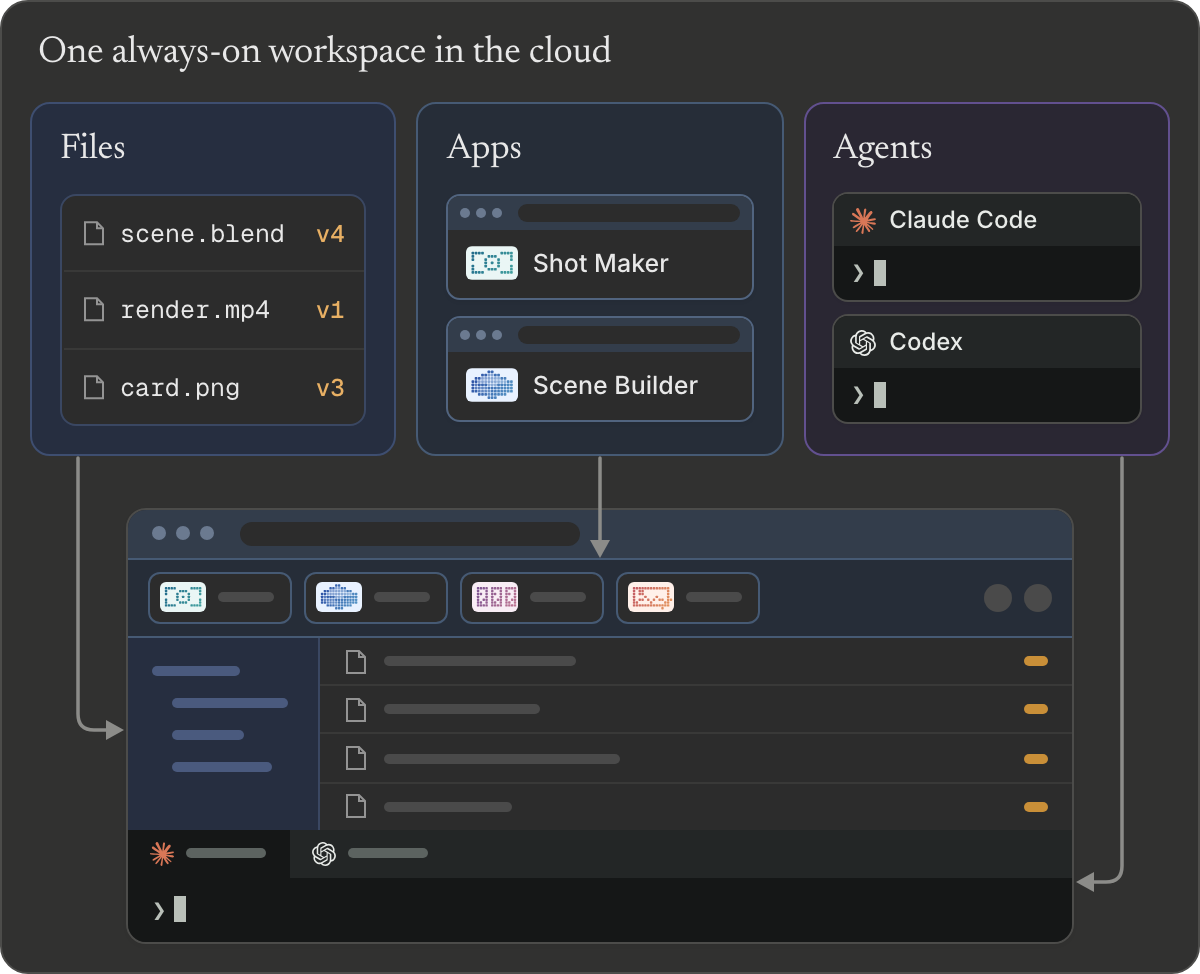
Folio takes your files, your apps, and your agents (like Claude Code and Codex CLI) and fuses them into an always-on workspace.
If you are like us, then you regularly use Higgsfield and Runway to generate media with AI. But you don't want to be constrained by their interfaces. Every workflow is unique, yet the tools stay pretty generic. Eventually you switch to using model inference APIs directly, but then visualizing results becomes harder. So you build up the courage and create your first apps. But then you need to host them, share them with your team, move your file outputs from one place to another, and then do some finishing touches with agents. This all becomes disjointed and overwhelming pretty fast. That is why we built Folio.
You can do all of these things on your local computer. Why bother? If you don't regularly collaborate with a team to create media assets, switch between applications and agents for different stages of your creative pipeline, keep your laptop on for your agents to finish work, or store files in the cloud... then Folio is not for you.
But if any of the above has given you a headache, read on.
Ready to try it? Follow the 5-minute Quickstart to create a workspace, run an agent or mount your Mac on a branch, and merge your first change.
Frequently asked questions
Do I still need to host my own database?
No, Folio replaces the need to host your own database. Think of it like Codex or Claude artifacts, except those are mostly for static pages, while Folio gives you a runtime for your apps. It feels almost like running your apps on your own computer, except they run in your browser and all the data is saved in the cloud. You do not have to worry about closing your app mid-task or saving and syncing your files anywhere. See Apps.
What is a branch?
A branch is a copy of the files in your project. Imagine you downloaded the project, opened it on your computer, and made a bunch of changes: the project files in your team's main repository did not change. You have your own copy, your own workstream, where you can play around with the files. When you are ready, you can bring your changes into the central, canonical team copy. See Branches.
Do agents keep running if I close my laptop?
Yes. Folio runs your Claude Code sessions on a remote computer, and that computer stays online for as long as it is needed to complete your request. Even when you close your laptop, everything keeps running. If you are running a task that takes a long time, it works in the background so that when you come back you see the results. See Agent sessions.
How does cloud rendering on GPUs work?
Imagine you are using Blender and you want to render something. Depending on what kind of computer you have, you may be able to run one render decently fast, but if you need to run a lot of sessions at the same time, you can run into trouble. Folio shifts these heavy compute operations off to the cloud. See Compute.
- VersioningProvides built-in versioning and approval mechanics.
- AppsCustom web tools that open directly on your workspace files and share the same data.
- ComputeAllows users to spawn agents on remote computers for background work on files.
- SecurityLimits access to data via explicit write permission grants.