

Merging and review
Collaboration in parallel is messy. When multiple teammates and agent sessions work on the same project at the same time, different sessions will often end up modifying the same file on separate branches.
Folio handles this in two ways:
- Modal review and merge (available today): Review a branch's changes side by side, see where
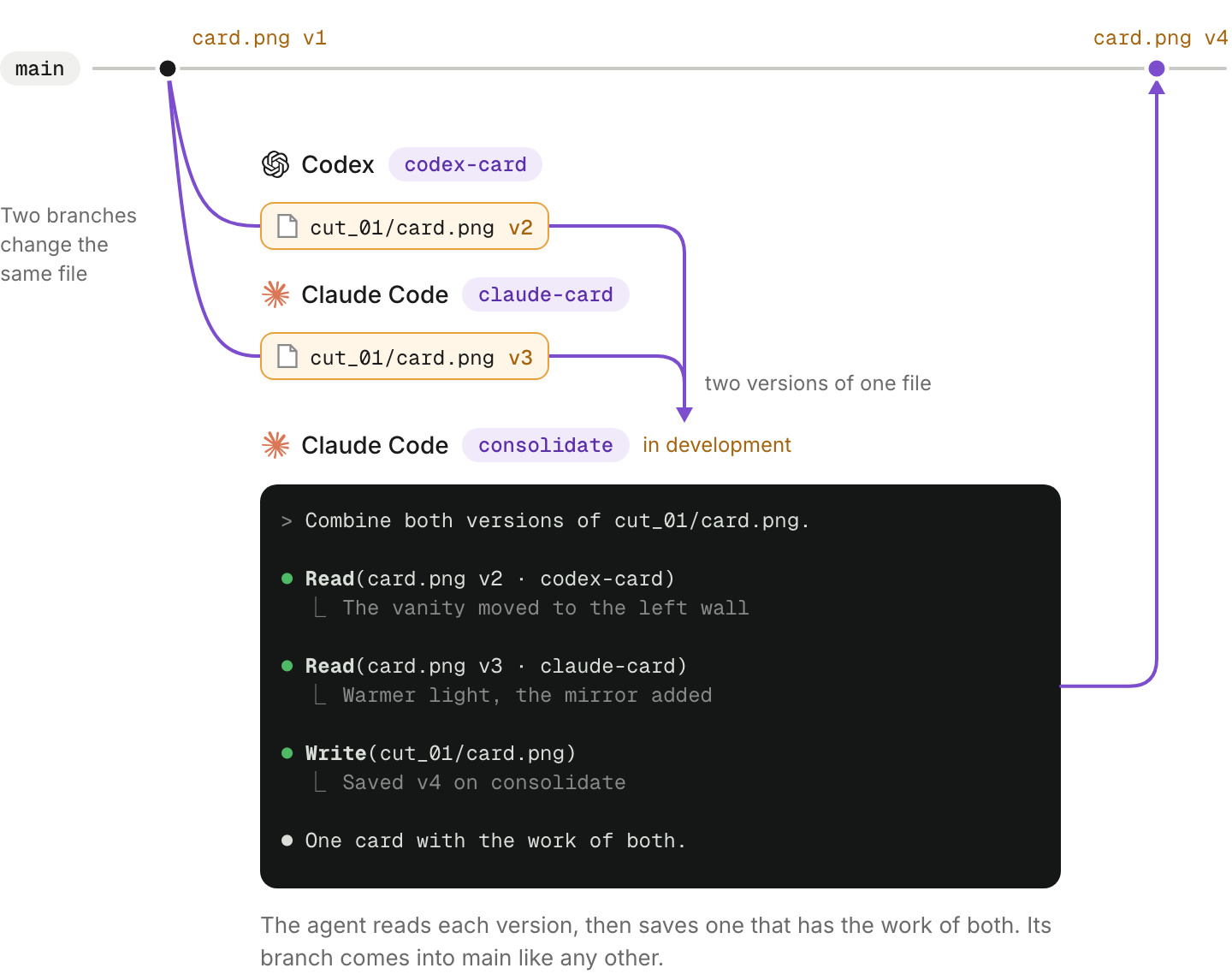
mainmoved ahead, and pick which version becomes current onmainin one click. - Agent consolidation across versions (in development): Let a coding agent (such as Claude Code, Codex, or another agent) step through each competing version of a file and merge the work together into one reconciled version.
Reviewing and merging a branch
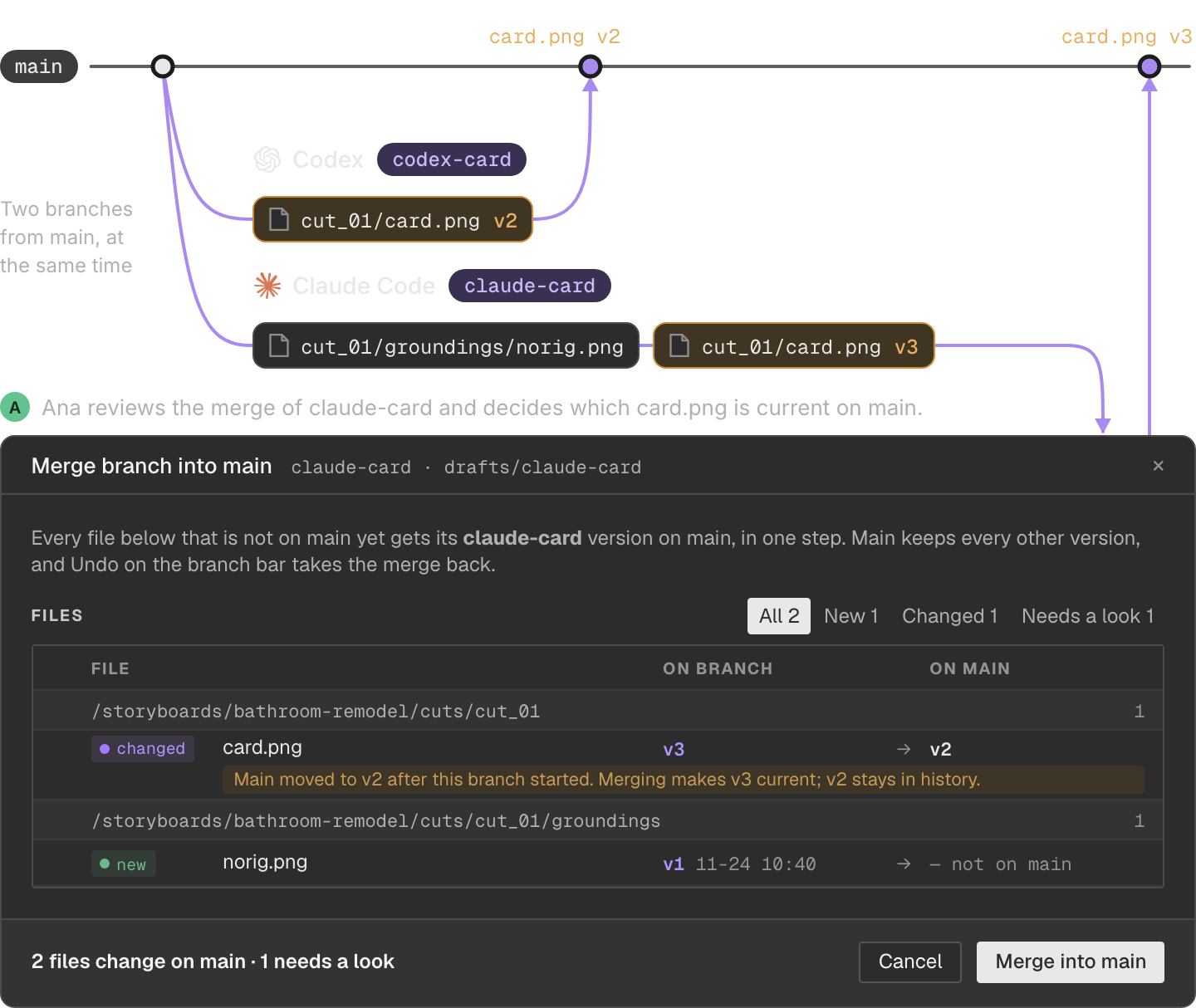
For most workstreams, you review and merge directly from the Merge into main… dialog on the branch bar. When two branches touch the same file, you inspect the flagged file and choose which version becomes current on main.
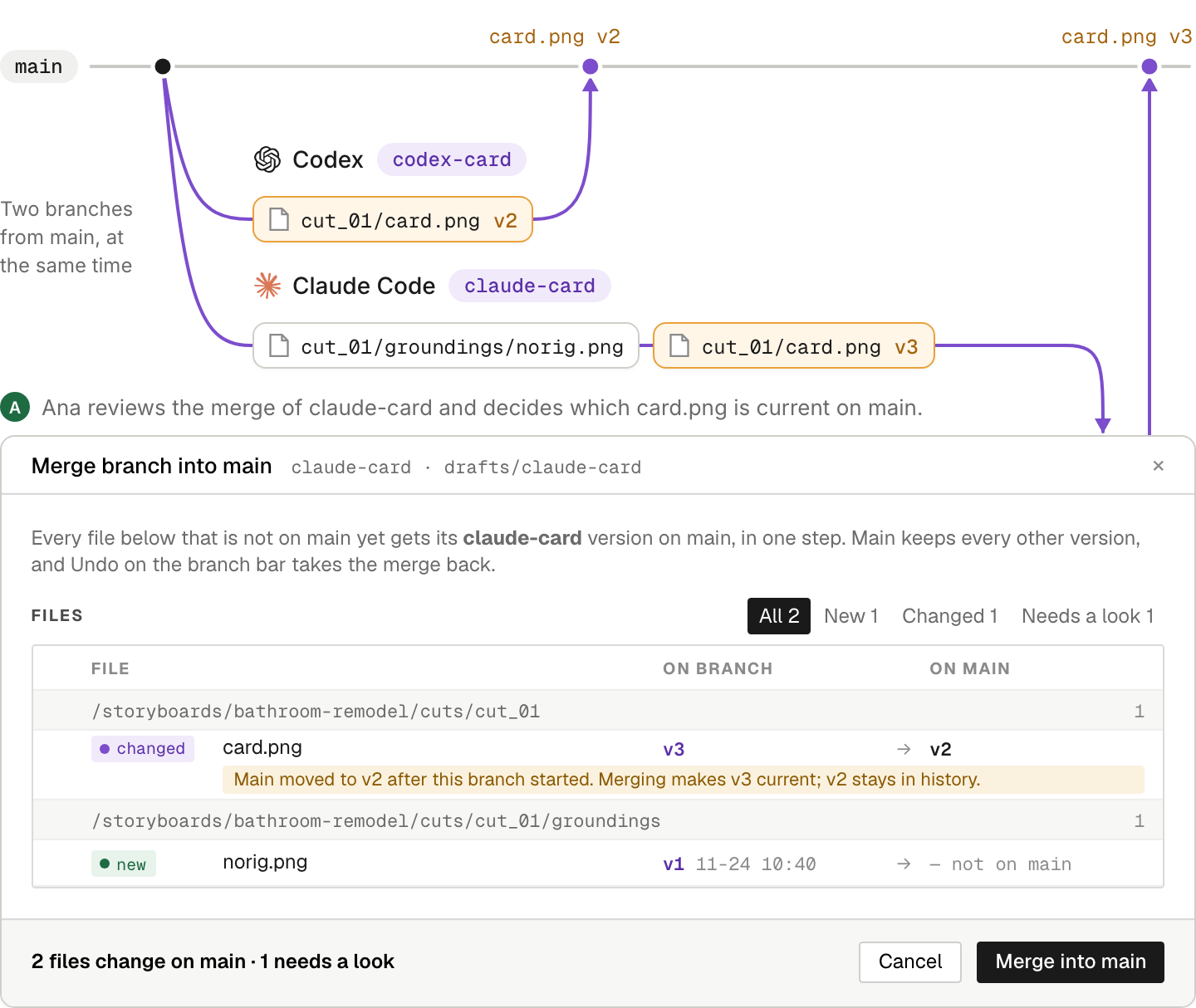
- Whole-branch merge: Merging brings the entire branch into
mainin one step. There are no per-file checkboxes in the merge dialog. If you only want a single file from a branch, switch tomain, open that file's history, and make that version current instead (see Versions on branches). - Side-by-side preview: Files are grouped by folder, showing each file's version On branch next to On main, with filters for All, Changed, and Needs a look.
- Needs a look flags: If
mainchanged a file after your branch started, Folio flags it with a notice: "Main moved to v2 after this branch started. Merging makes v3 current; v2 stays in history." You decide whether to proceed with the branch's version, knowing thatmain's version stays safe in history. - Stale-preview guard: If someone changes one of the affected files on
mainafter you opened the preview dialog, Folio stops the merge and asks you to refresh the preview before applying it. - Runs on the server: Large merges (up to 2,000 changes per merge) run in batches on the server with a progress bar. Closing your browser tab does not stop a merge that is already running.
Consolidating parallel versions with an agent (in development)
Picking one version in the merge dialog works when one branch should win. The harder case is when two or more parallel sessions each made useful changes to the same file and you want to combine all of their work.
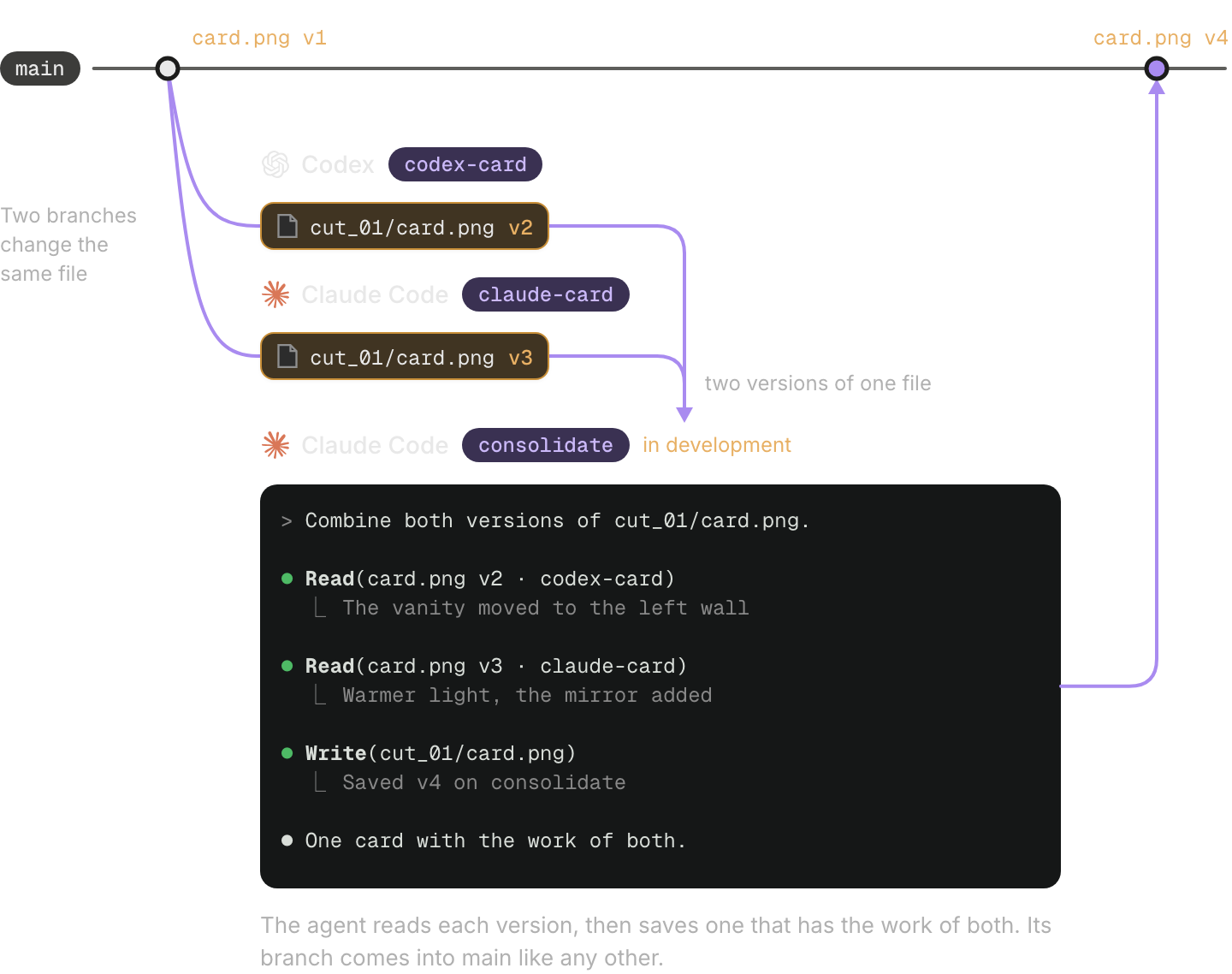
Because Folio keeps every version from every branch intact and addressable, we are exposing these version-browsing and merging semantics directly to coding agents (Claude Code, Codex, and other agents). Instead of forcing you to resolve conflicts by hand, an agent can cursor through each competing version of a file, inspect what changed in each branch, and produce a new consolidated version that combines the work.
What a merge does to your files
Merging in Folio is designed to be non-destructive:
- New and edited files: New files are placed on
main(creating any missing parent folders automatically). Edited files promote the branch's version to current onmain, while keepingmain's earlier version in history. Files whose content is already identical onmainare skipped. - Deletions do not travel to
main: Deleting a file on a branch removes it only on that branch. Merging never deletes files onmain. - Moves and renames become copies on
main: Because a merge never deletes anything onmain, moving or renaming a file on a branch places the file at its new path onmainwhile leaving the original path onmainin place. - Name collisions are preserved, not overwritten: If both
mainand your branch independently created different files at the same path, Folio layers your branch's file as the next version ofmain's file so both versions stay in history. If a branch adds a file wheremainnow has a folder (or a folder wheremainnow has a file), Folio places the branch's item beside it (for example,name (2).ext).
Undoing a merge
After a merge completes, Undo on the branch bar reverts it in one step:
- Files that the merge updated on
mainswitch back to the version that was current right before the merge. - Brand-new files that the merge placed on
mainare removed frommain(their versions remain in history). - Later edits on
mainare protected: If someone edited a file onmainafter your merge, Undo leaves that file untouched so newer work onmainis never lost.
Like merging itself, Undo runs on the server and never deletes any file versions.
After merging and permissions
- Branches stay open: Merging does not close a branch, and branches cannot be deleted today. You can continue working on the branch and merge again later; files that are already up to date on
mainare skipped automatically. - Who can merge: Today, any workspace member can review and merge a branch into
main. Role-based merge restrictions and required reviewer approvals are not enforced yet.